UX for GEN AI
Duration
Sept 2024 - Dec 2024
My Role
Extensive UX Research, UX Writing, Iterating designs based on feedback, Design Handoff to Developers
Team
2 UX Designers 2 Product Managers
IMPACT
Reduced Manual Effort by 40%
Cut repetitive task execution by 40% by automating multi-step workflows through AI.
Increased Work Focus Time by 30%
Freed up 30% more time for strategic work by shifting focus to decision-making.
Reduced Cognitive Load
Minimized mental effort by 35% by preserving context & eliminating repetitive action
OVERVIEW
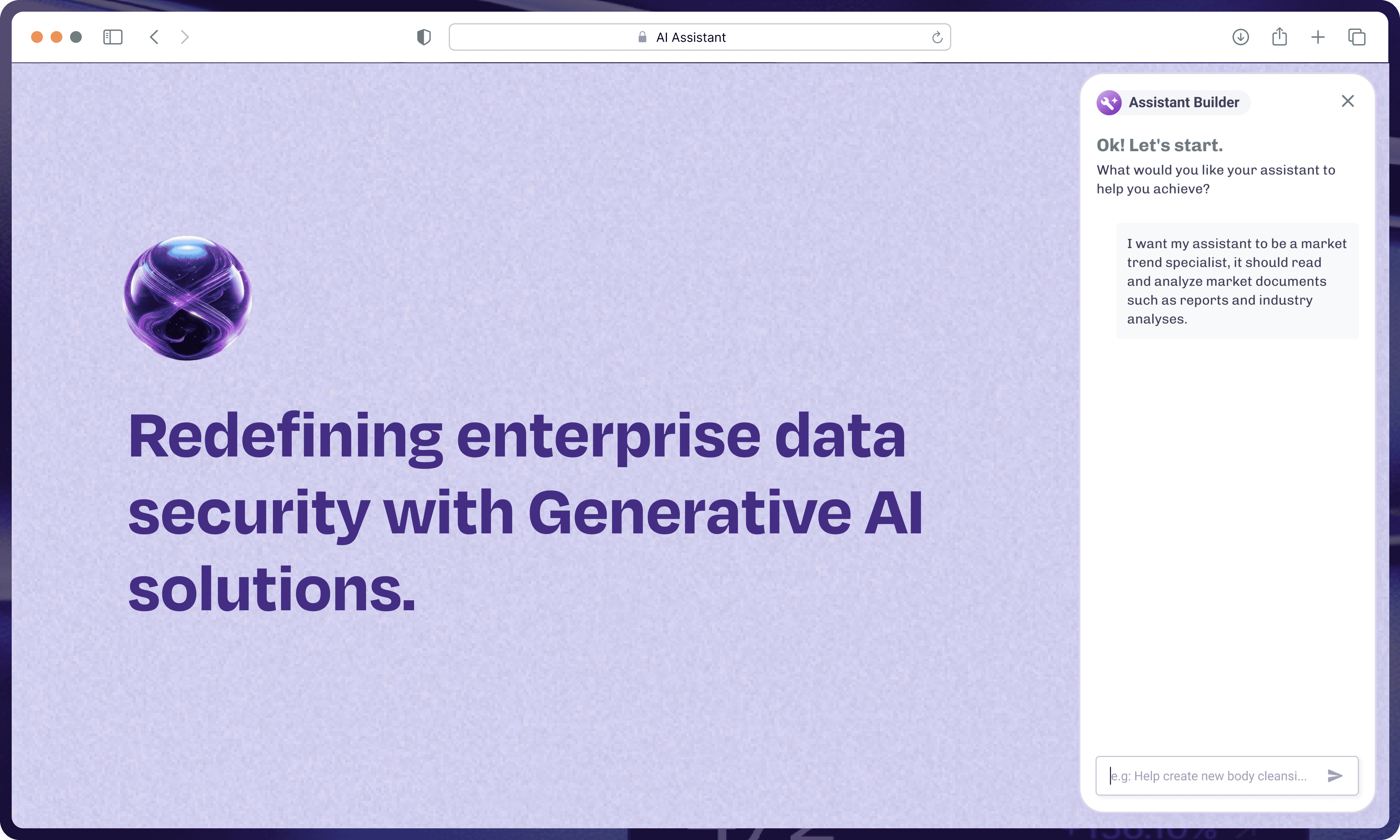
Introduced a company-wide AI interface that transforms how employees access, reuse, and act on information across workflows.
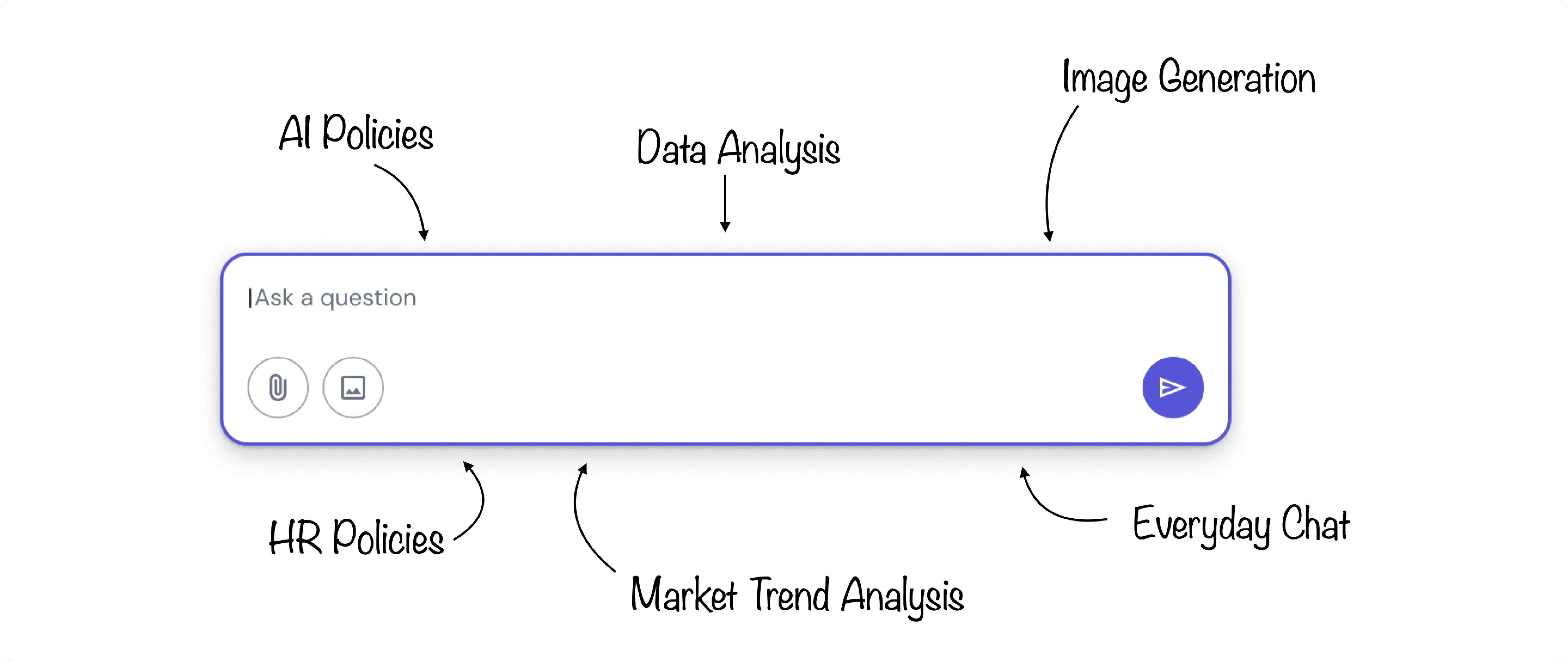
It answers company-specific questions, assisting with documentation, synthesizing reports, and more. To make these interactions more efficient, it also supports the creation of persistent, task-specific assistants. These assistants help employees maintain continuity in their AI workflows.
PROBLEM
Users were stuck in repetitive interaction loops: re-uploading documents, re-entering context, and restarting workflows with every AI interaction
PROCESS
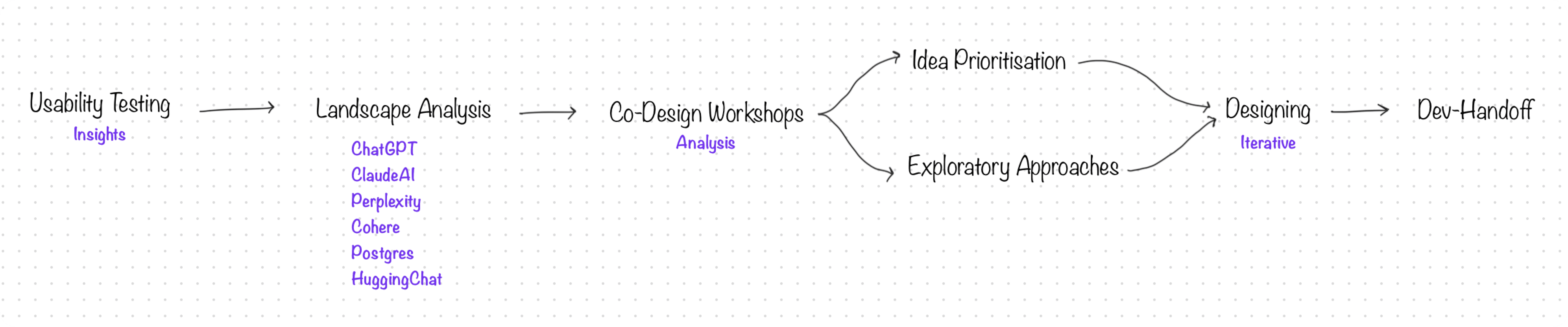
Translated user frustrations into a more seamless, context-aware AI workflow over a 3-month design cycle
GOAL
We set out to design buildable assistant framework: a way for users to…
♻️
Create Once, Re-use Always
Create assistants once and reuse them continuously.
🎚️
Flexible Creation Path
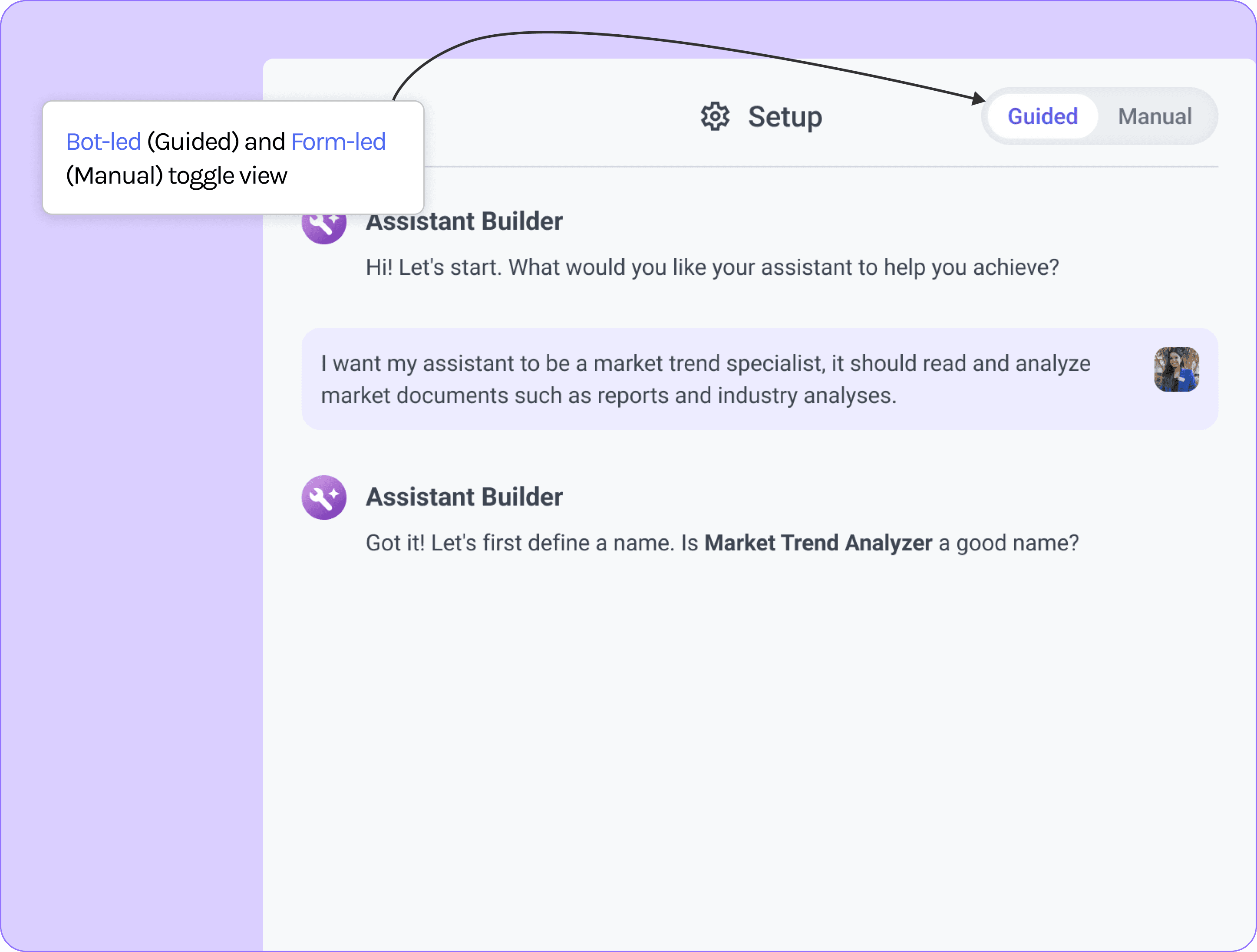
Choose between conversational or form-based creation.
🧪
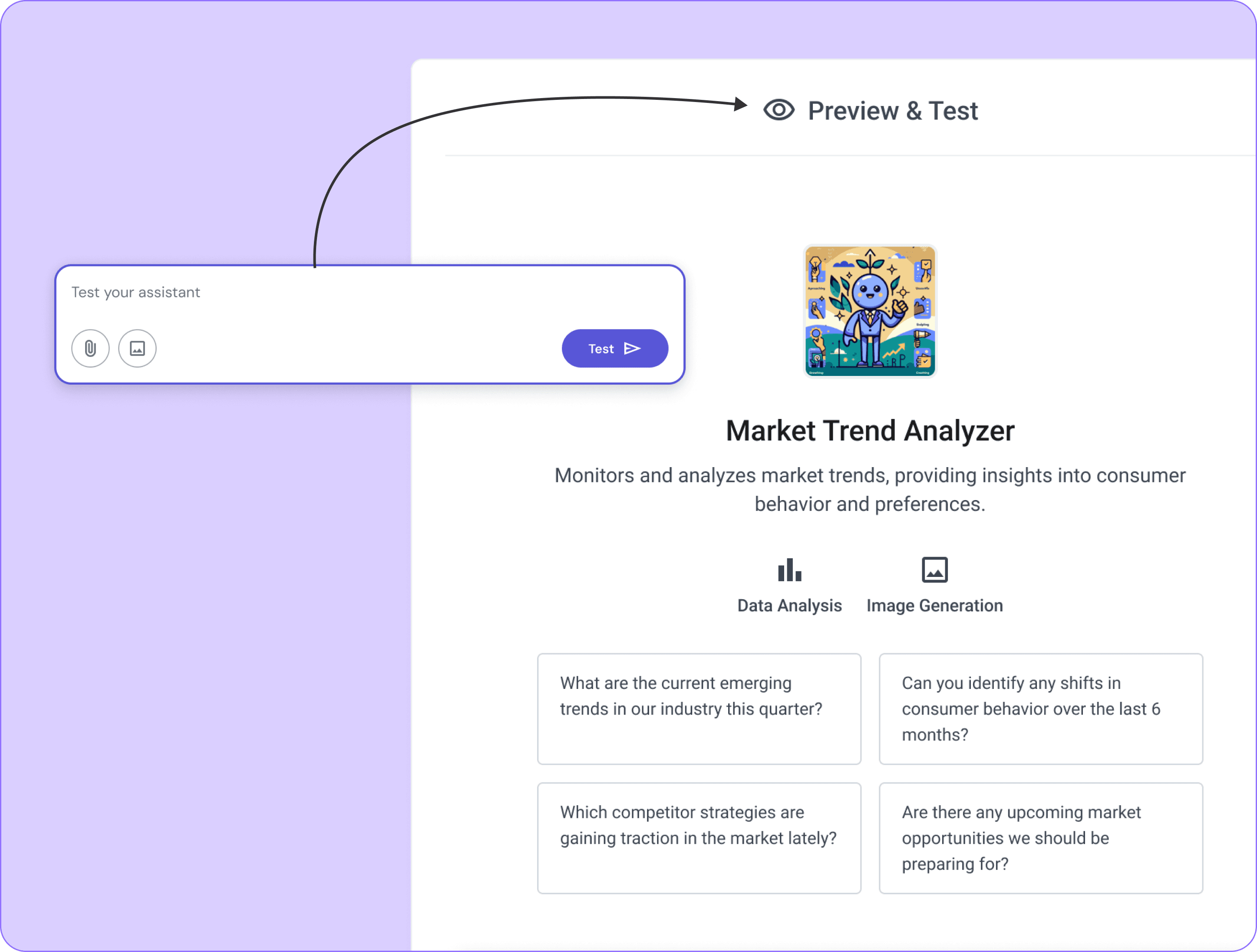
Test & Refine
✅
We believed a dual-path creation model (guided vs manual) with persistent memory would unlock long-term value and deepen user trust in AI.
RESEARCH
Shaped the product direction through direct user insights, hands-on testing, and collaborative exploration
Conducted moderated usability tests with the existing builder to identify friction in setup, context handling, and task flow.
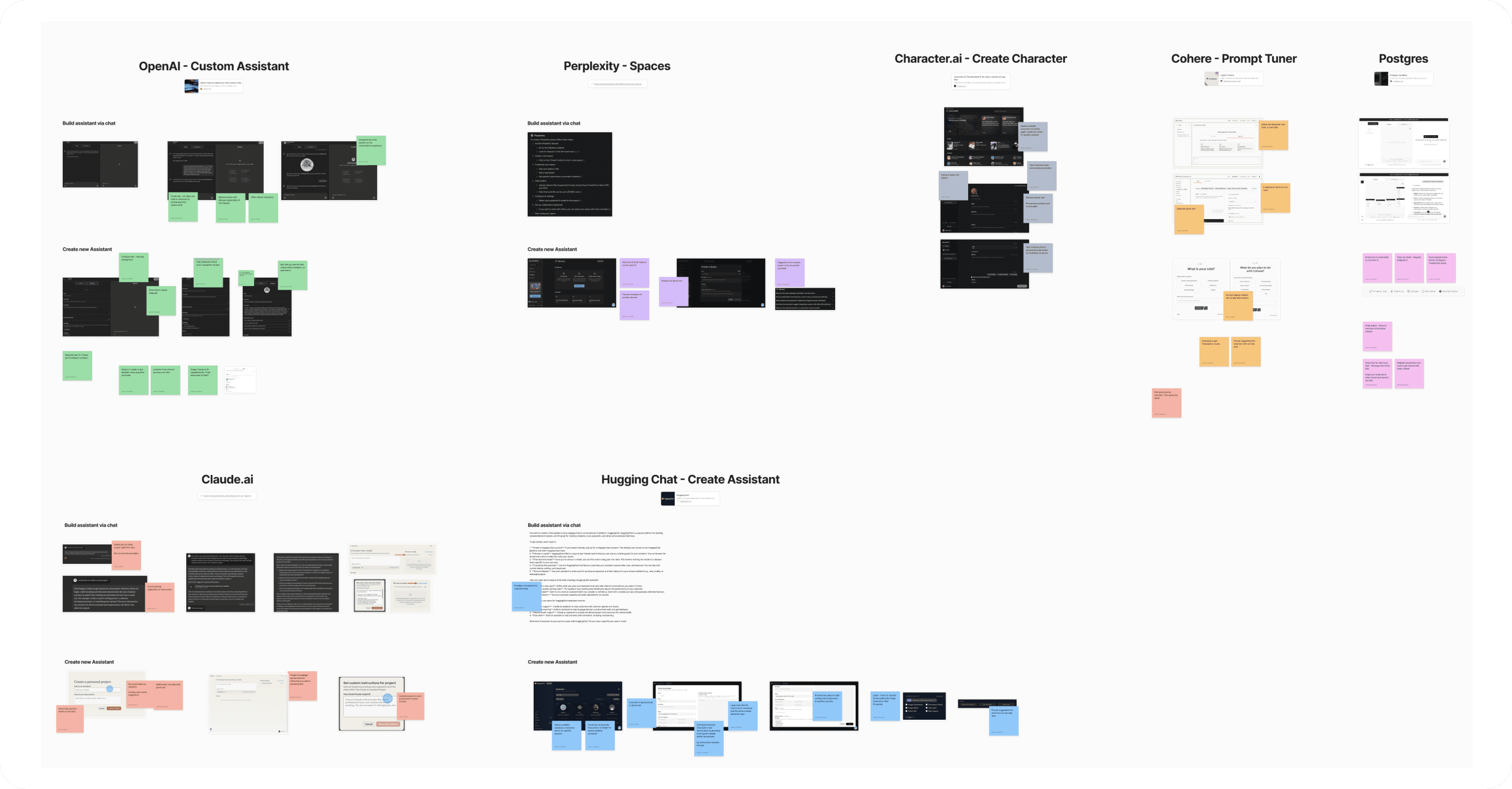
Benchmarked tools like ChatGPT, ClaudeAI, Perplexity to understand patterns, gaps, and opportunities.
INSIGHTS
From 10+ Users across 5+ Departments and rest of the research, we identified the following themes
🎯
🤖
'Conversational' creation felt natural, but lacked structure and support.
💬
Form experiences worked better when labels felt like questions.
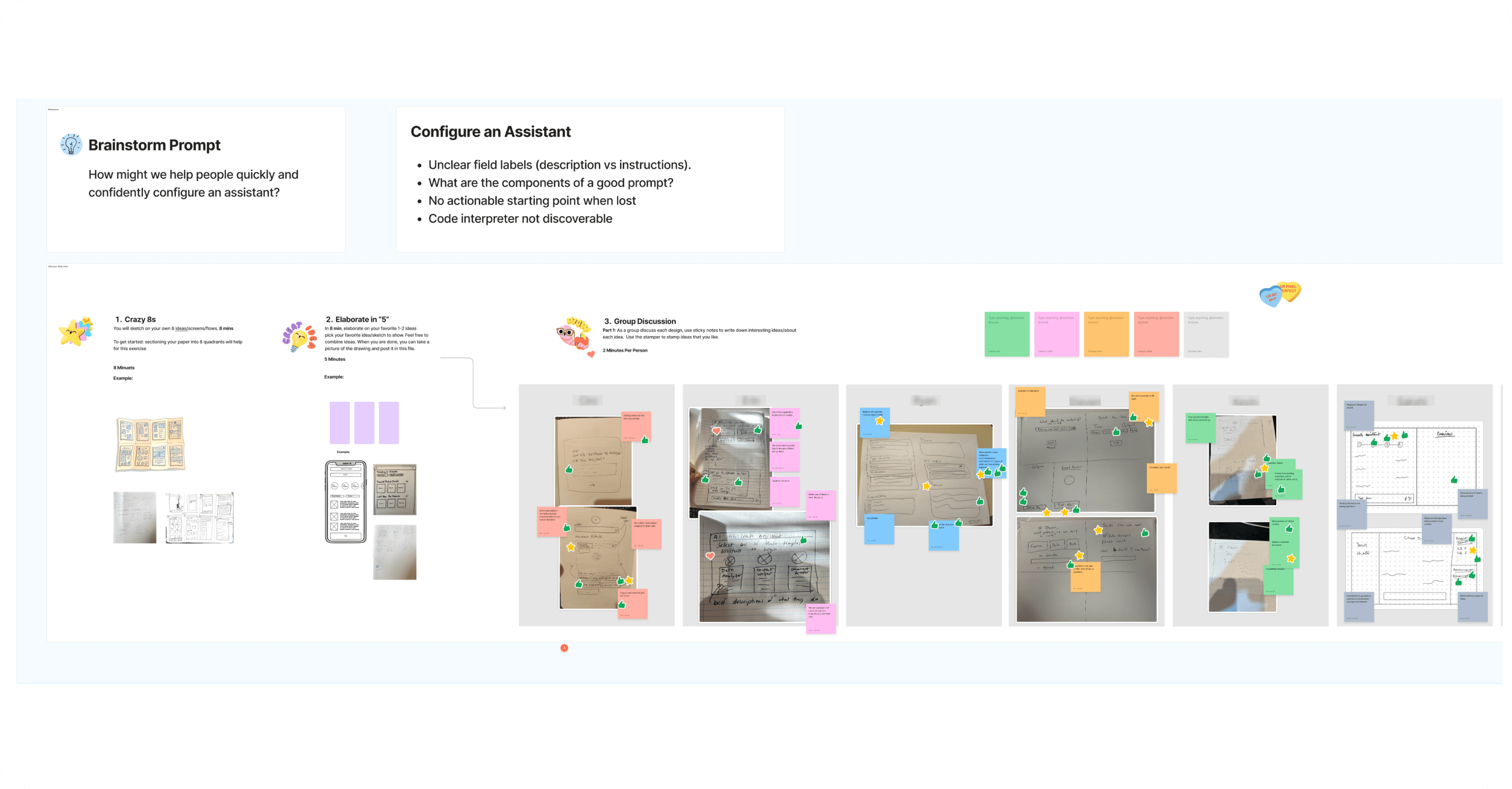
Explored a wide range of ideas, then focused on the ones that delivered the most impact with practical feasibility.
To move forward, we needed to identify what to build first. We conducted a 3-axis prioritization exercise, scoring each idea based on:
User Impact: How much value it would bring to employees.
Design Effort: Time and complexity to prototype and test.
Development Effort: Engineering cost and feasibility.
This helped us map ideas into quick wins vs. long-term investments.
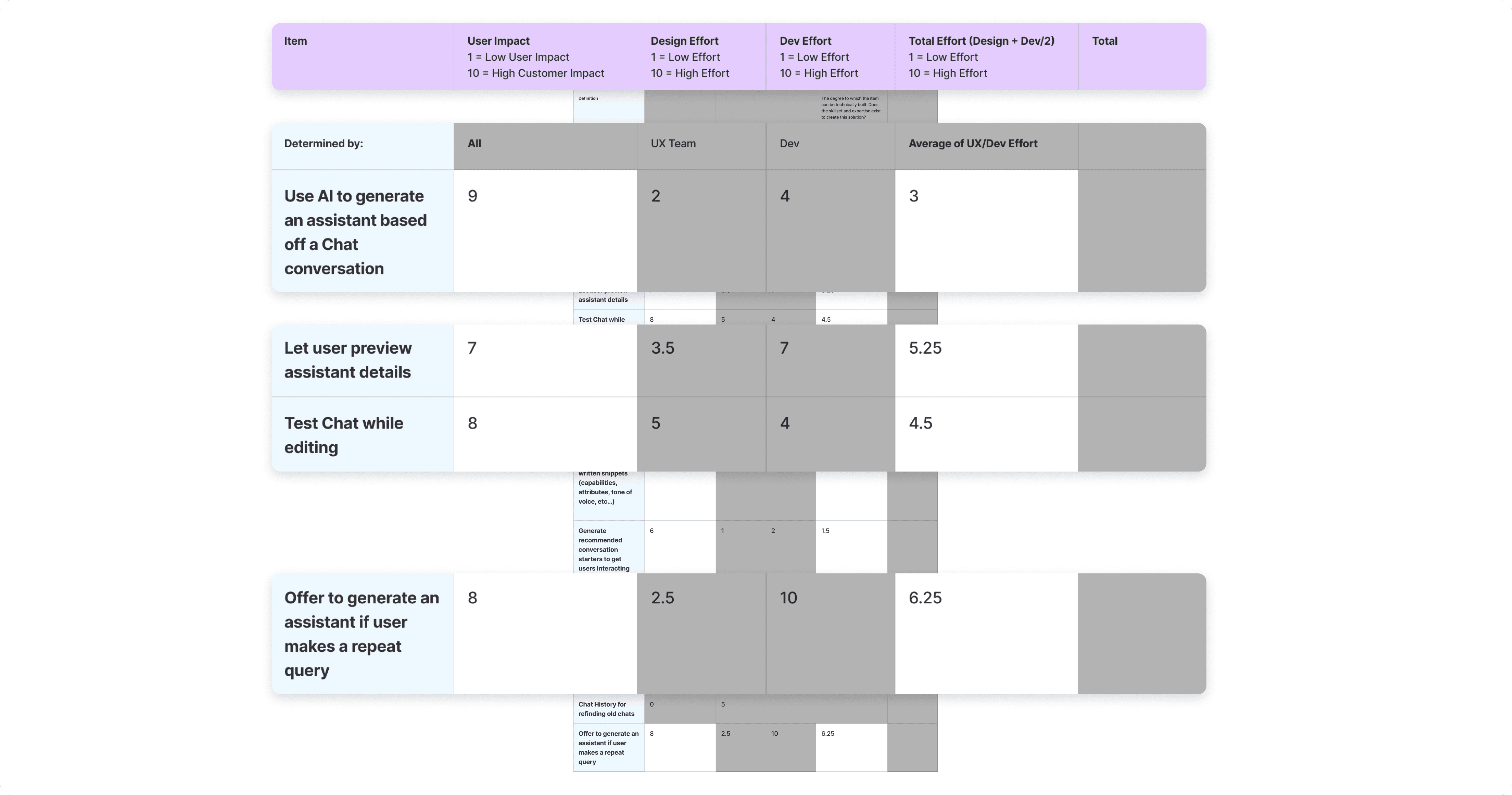
Idea Prioritization based on Scoring User Impact, Design & Dev Effort
SOLUTION
Combined conversational and structured flows to help users create, test, and refine assistants without starting from scratch
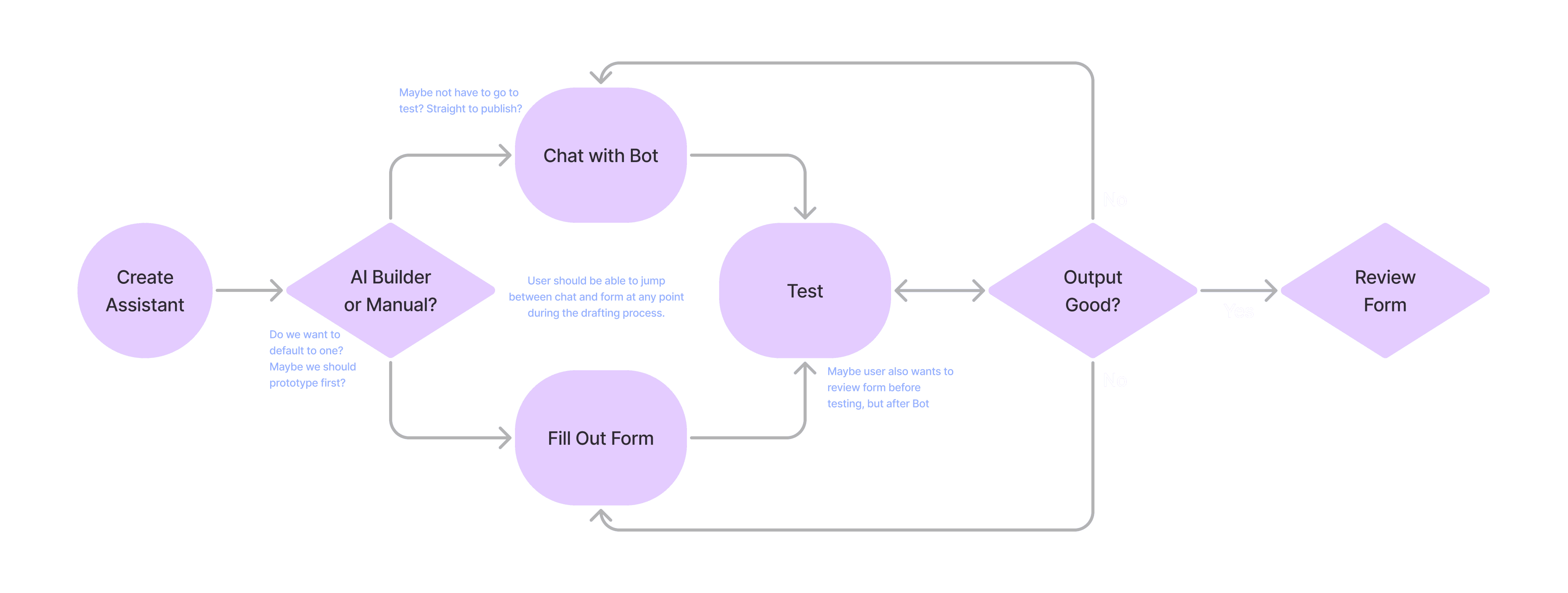
Flowchart for Creating Assistant
Final Design for Creating Assistant
KEY DESIGN DECISIONS
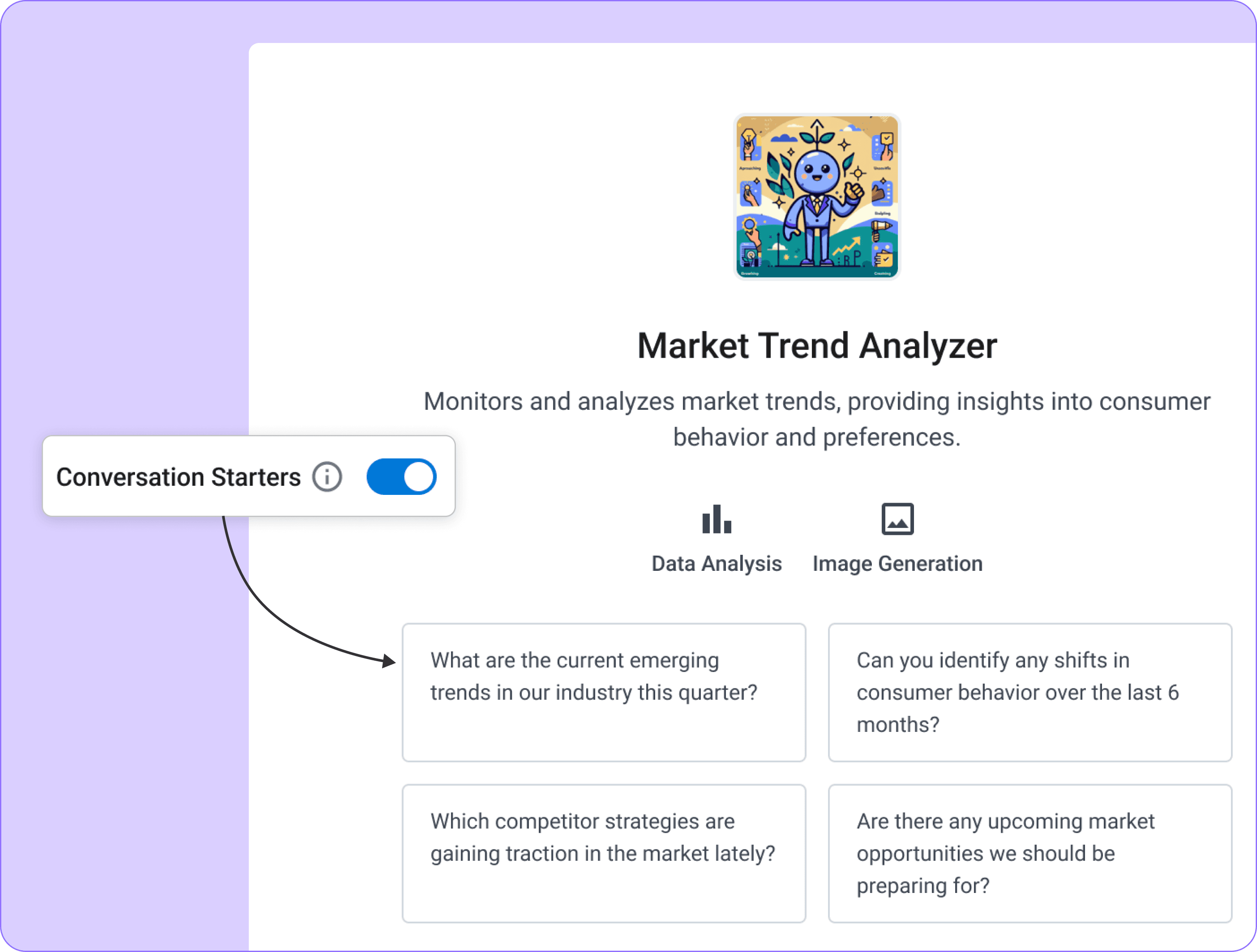
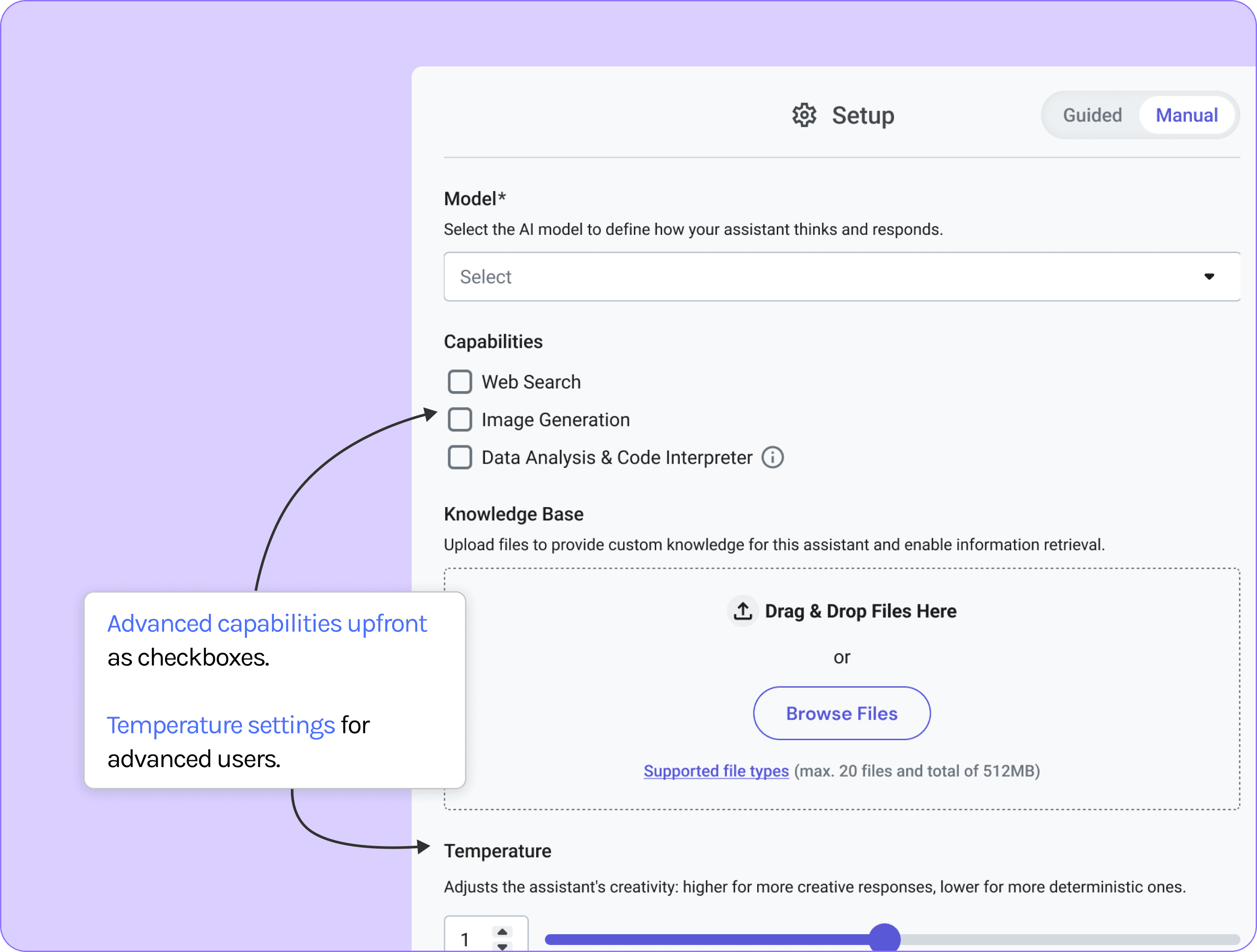
Our goal was to reduce friction and cognitive load without sacrificing flexibility. So we took some key decisions to deliver clarity at every step
CHALLENGES & COLLABORATION
Advocated for long-term scalability while navigating business, technical, and timeline constraints.
We were working towards reorganizing IA and making space for advanced capabilities. But the sprint focused towards shipping refinements for immediate rollout.
So we were holding off on foundational improvements we felt were critical for scale. Still, we optimized what we could, ensuring the experience remained clear, flexible, and ready for future evolution.
NEXT STEPS
Would love to identified next steps to evolve the assistant from a reactive tool to a more proactive system
Automatically generate assistants from repeated queries and usage patterns, minimizing manual effort.
Moving towards an Agentic Assistant model, where the assistant uses context to act and respond proactively.
LEARNINGS & TAKEAWAYS
How this project is helped me grow as a designer?
01
Prompt Design is UX too
02
Users Need Trust Cues